
What Is Web Dashers?
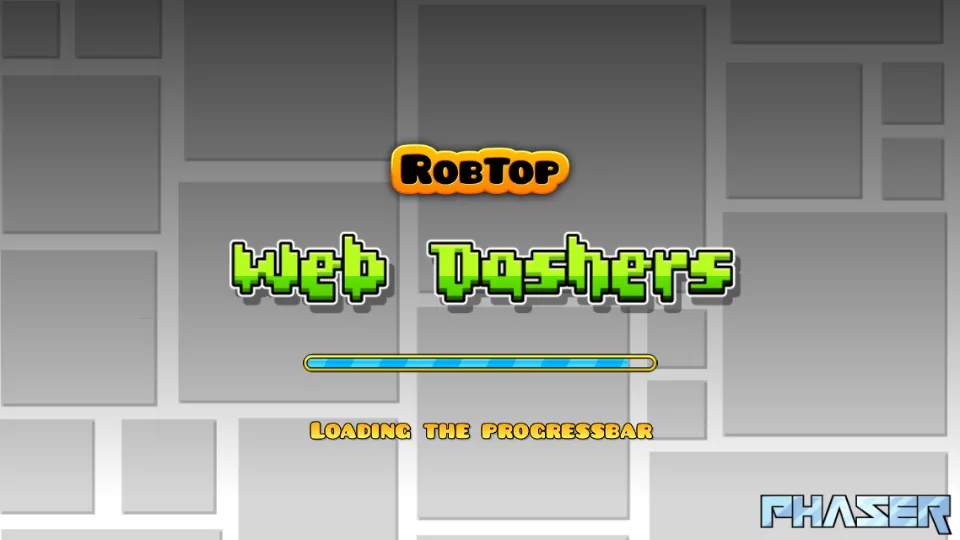
Web Dashers is a community-built browser expansion of the Geometry Dash web demo that packs far more than a single test level. Right inside a browser tab—with no downloads, accounts, or emulators—you get playable classic main levels, an Icon Kit for customizing your cube and colors, a functional Level Creator, Online Level Search, and practice mod toggles including Noclip, Hitboxes, and percentage counters.
Press Play Web Dashers above to load the live community build from web-dashers.github.io, and click Fullscreen if you want clean frame pacing and zero distractions during tight jump timings.
Controls & Core Vehicle Modes
Like classic rhythm-platformers, Web Dashers uses one-button input—but each portal transforms how holding or releasing that single button behaves:
| Mode / Input | Tap Once | Hold Down |
|---|---|---|
| Cube | Single jump over spikes or onto platforms | Auto-jumps continuously on landing |
| Ship | Gentle upward pulse | Sustained upward thrust; release to drop |
| Ball | Flips gravity immediately upon touching floor/ceiling | Buffers gravity flip on next surface |
| UFO | Mid-air hop (like Flappy-style bursts) | Single hop per tap—tap rhythmically |
| Wave | Sharp diagonal climb | Holds 45° upward climb; release dives 45° down |
Desktop keys: Space, Up Arrow, W, or Left Mouse Click (click once inside the game canvas after loading so keyboard focus locks cleanly). Mobile: Tap and hold anywhere on the playfield.
Key Features That Set Web Dashers Apart
- Main Levels & Progression: Jump straight into classic rhythm stages synced to high-energy electronic tracks without leaving your browser.
- Built-In Level Creator: Place hazards, jump pads, gravity portals, and speed triggers to prototype your own stages and playtest them immediately.
- Online Level Search: Browse and run user-created stages beyond the built-in roster whenever you finish the main set.
- Practice & Mod Settings: Toggle Hitboxes to see exact spike collision boxes (far smaller than their visual tips!), turn on Percentage to track personal bests, or enable Noclip to scout tough sections before attempting a legit run.
- Icon Kit Customization: Swap icons and color palettes so your cube stands out against bright neon backgrounds.
Rhythm-Platformer Tips to Clear Tougher Levels
- Use the music, not just your eyes. Almost every jump pad, orb, and gravity portal aligns with a drum hit or synth accent. Playing with audio on dramatically reduces early/late mistaps.
- Learn spike hitboxes with Hitbox mode. Visual spikes look wider than their true collision rectangles. Enabling Hitboxes in practice shows why late jumps clear triple-spike gaps cleanly.
- Feather your Ship taps instead of long holds. Holding too long slams your ship into the ceiling. Short, rhythmic micro-taps keep your altitude centered through narrow corridors.
- Practice the ending first. Nothing hurts more than crashing at 88% on a great attempt. Scout the final third with Noclip or practice runs so your hands know the closing pattern cold.
More Geometry Dash & Arcade Picks on GameDaily
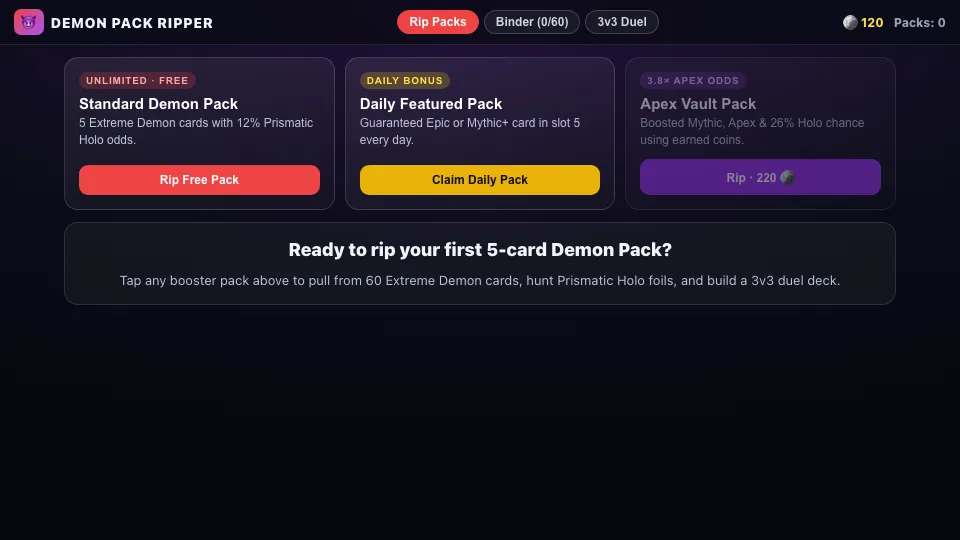
- Extreme Demon Gacha — Take a breather between attempts by ripping 5-card Extreme Demon booster packs and hunting Prismatic Holo foils.
- BYON Combat Game — Switch to fast 2D arcade kickstriking with 14 fighters.
- All Arcade & Action Games — See every fast-paced browser game on GameDaily.
Web Dashers Frequently Asked Questions
What is Web Dashers?
Web Dashers is a free, fan-made browser mod and expansion built on top of the Geometry Dash Web Demo. It brings playable main levels, community online level search, a built-in level creator, an icon kit, and handy practice mod toggles straight into any web browser.
How do you jump and fly in Web Dashers?
Press Spacebar, Up Arrow, W, or click your left mouse button on desktop—and tap anywhere on the screen on phones or tablets. Hold the button down to fly upward in ship mode, climb in wave mode, or chain consecutive cube jumps.
Does Web Dashers include a level editor and custom online levels?
Yes. Unlike barebones web clones that only include one or two static tracks, Web Dashers includes a working Level Creator where you can place blocks, spikes, and portals plus an online Level Search menu to play stages made by other players.
What mod toggles are built into Web Dashers?
Web Dashers includes popular community practice tools right inside its settings menu, such as Noclip (for learning tricky timings without resetting), Hitbox overlays, and live Level Percentage counters.
Does Web Dashers work on school Chromebooks and mobile phones?
Yes. Because it runs in standard HTML5/WebGL directly inside the browser with no executable download, it works on Windows, macOS, Chromebooks, iPhones, and Android devices. Use Fullscreen for crisp timing.
Is Web Dashers an official RobTop Games release?
No. Web Dashers is a community-maintained fan project hosted on GitHub Pages. For the full official commercial game with 2.2 features and cloud sync, support RobTop Games on Steam, iOS, or Android.
Player Comments
Share your best score, favorite strategy, or report a loading issue.
No comments yet — be the first to share your score or tip for Web Dashers!